Open the presentation page
In the “Presentations” list, click the presentation. On the right you'll see the publication settings and the “Download” section with the “PPTX” and “PDF” tiles.
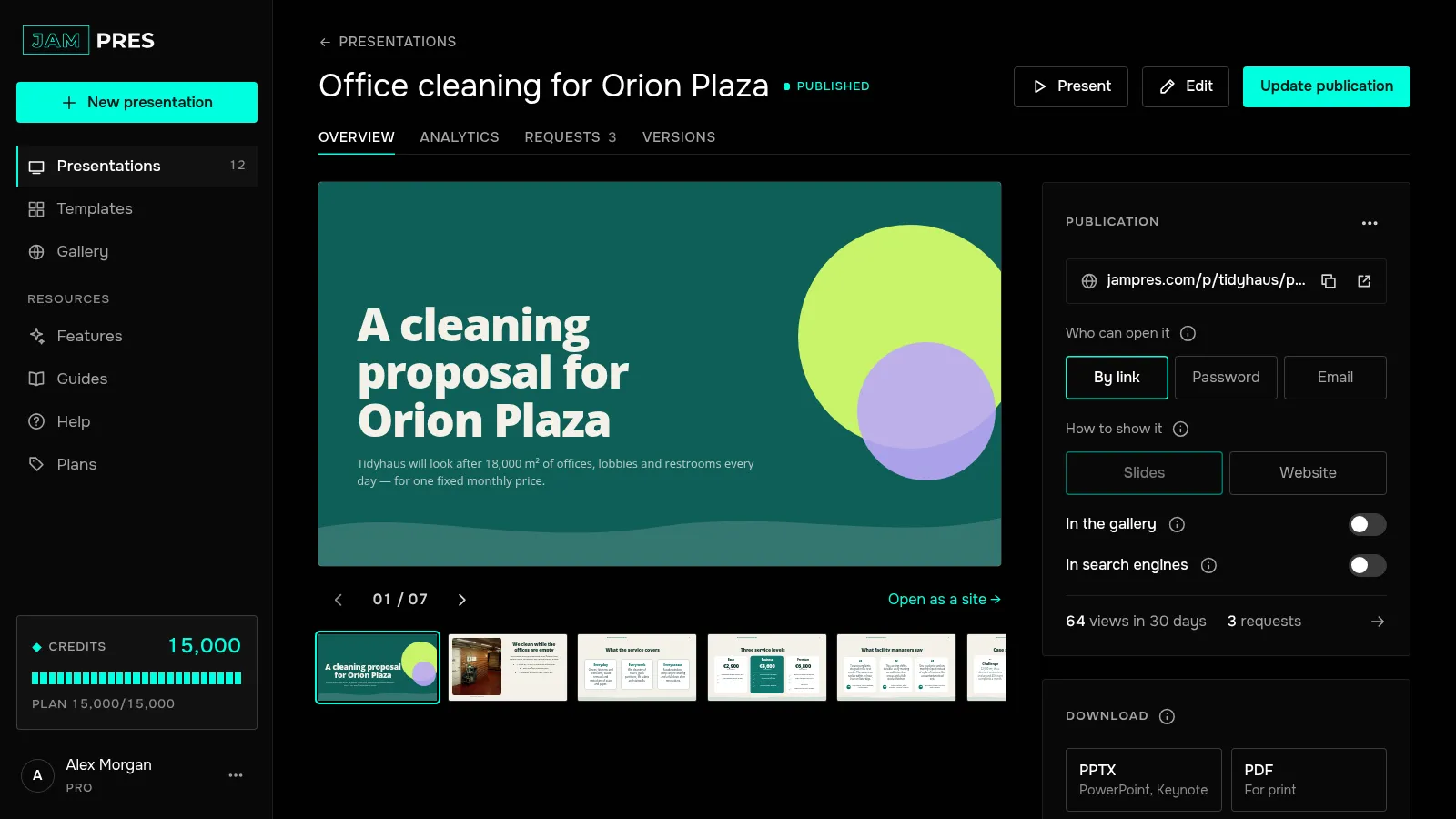
Check the fonts line
If some of the presentation's fonts aren't available in PowerPoint, a “Fonts in the PPTX” line with their names appears under the tiles. The “i” icon next to it tells you what they'll be replaced with. Details in Which fonts end up in the file.
Click “PPTX”
The file is built in a few seconds and downloads under the presentation's name. It contains what's in the editor now, so you don't need to update the publication first. The file opens in PowerPoint, Keynote and Google Slides.
On Free the “PPTX” tile is locked: clicking it opens the window for moving to Base. A PDF with the JamPres mark downloads on Free too.
Check the file before presenting
These stay editable as usual: text, shapes, tables and infographics. Bar and line charts become real PowerPoint charts, with the data editable right there. “Speaker notes” go into the slide notes, and icons come in as pictures.
What gets simpler: a gradient background and glow turn into a solid colour, and the file has no animations or transitions. Forms, polls, tabs and countdowns are static in the file — they look the same but don't work, and tabs are shown fully expanded. A video becomes its cover frame with a ▶ sign linking to the video, and buttons become shapes with a link.
If the form and poll need to work, send the link to the publication and keep the file for presenting offline.
How to download a presentation as PowerPoint
On the presentation page, click “PPTX” under “Download”. Text, shapes, tables and charts in the file stay editable. From the Base plan.
From Base
Was this article helpful?
Didn't find the answer?
Ask the JamAI assistant in the chat on this site or email us — we reply within one business day.