There's nothing to turn on: view emails come on every plan while the presentation is published. They go to the presentation's owner, at the address they sign in to JamPres with.
When the email arrives
- The first one — three to four hours after the first view. It includes all views up to that moment, with a subject like “Title” was opened 5 times.
- The next ones — at most once a week, and only if there were new views. The subject reads like “Title” this week: 12 views.
Each presentation gets its own emails. Your own views while you're signed in to the dashboard aren't counted, just like in analytics.
What's in the email
- How many times the presentation was opened since the last email.
- “Average view” — how long people watched on average.
- From the Base plan — the slide where people leave most often.
- A “See analytics” button that opens the presentation's “Analytics” tab.
How to turn the emails off
In the dashboard, click your name in the left panel to open “Account”. Go to “Settings” and, under “Emails”, switch off “Views digest”. The switch applies to all your presentations at once; analytics stays in the dashboard.
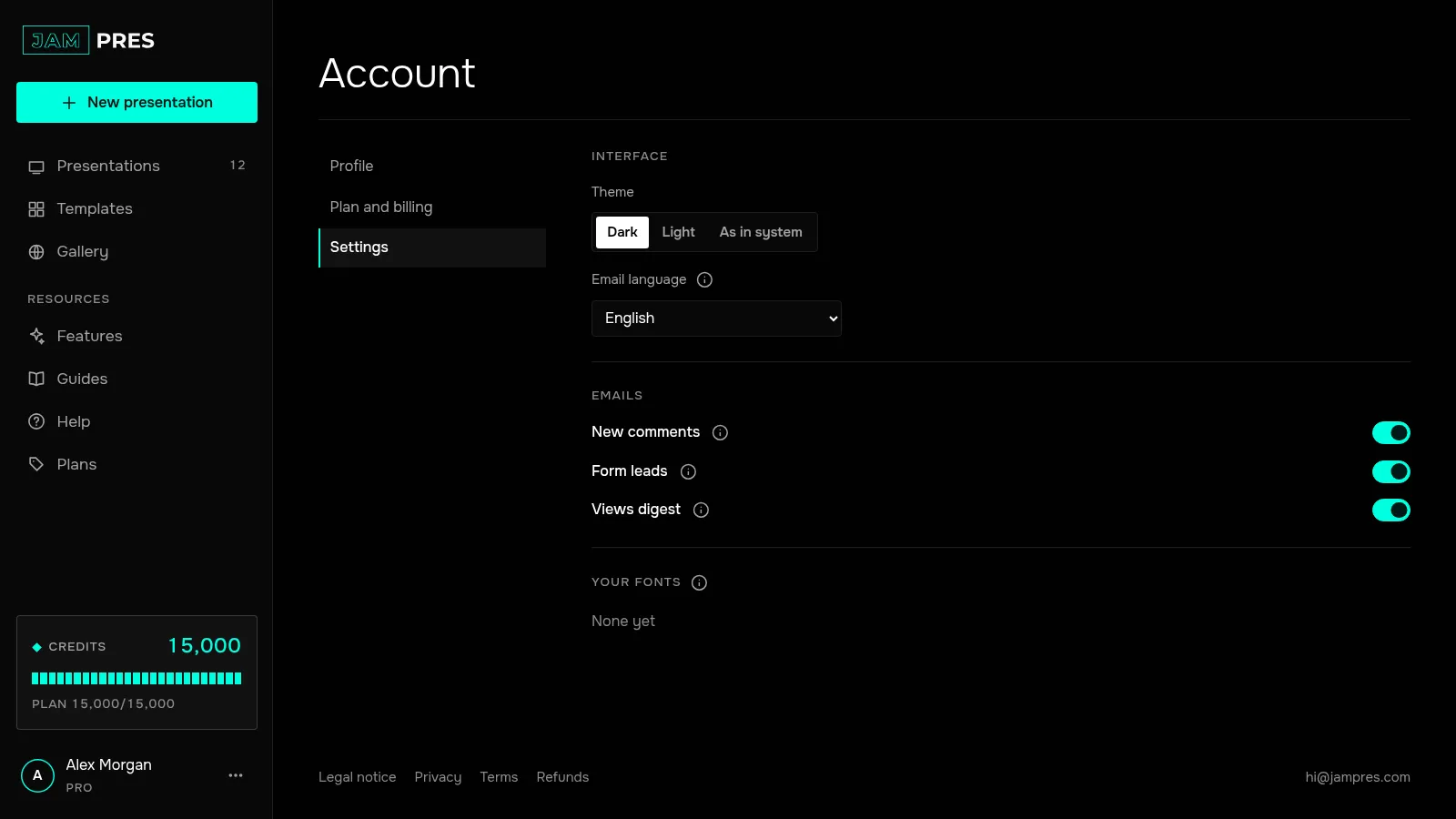
You can also turn them off from the email itself: there's an “Unsubscribe from view emails” link at the bottom. To turn them back on, use the same switch in “Settings”.
The language of the emails is set there too, in “Settings” — the “Email language” field. More in Theme, language and emails.