Open “Plan and billing”
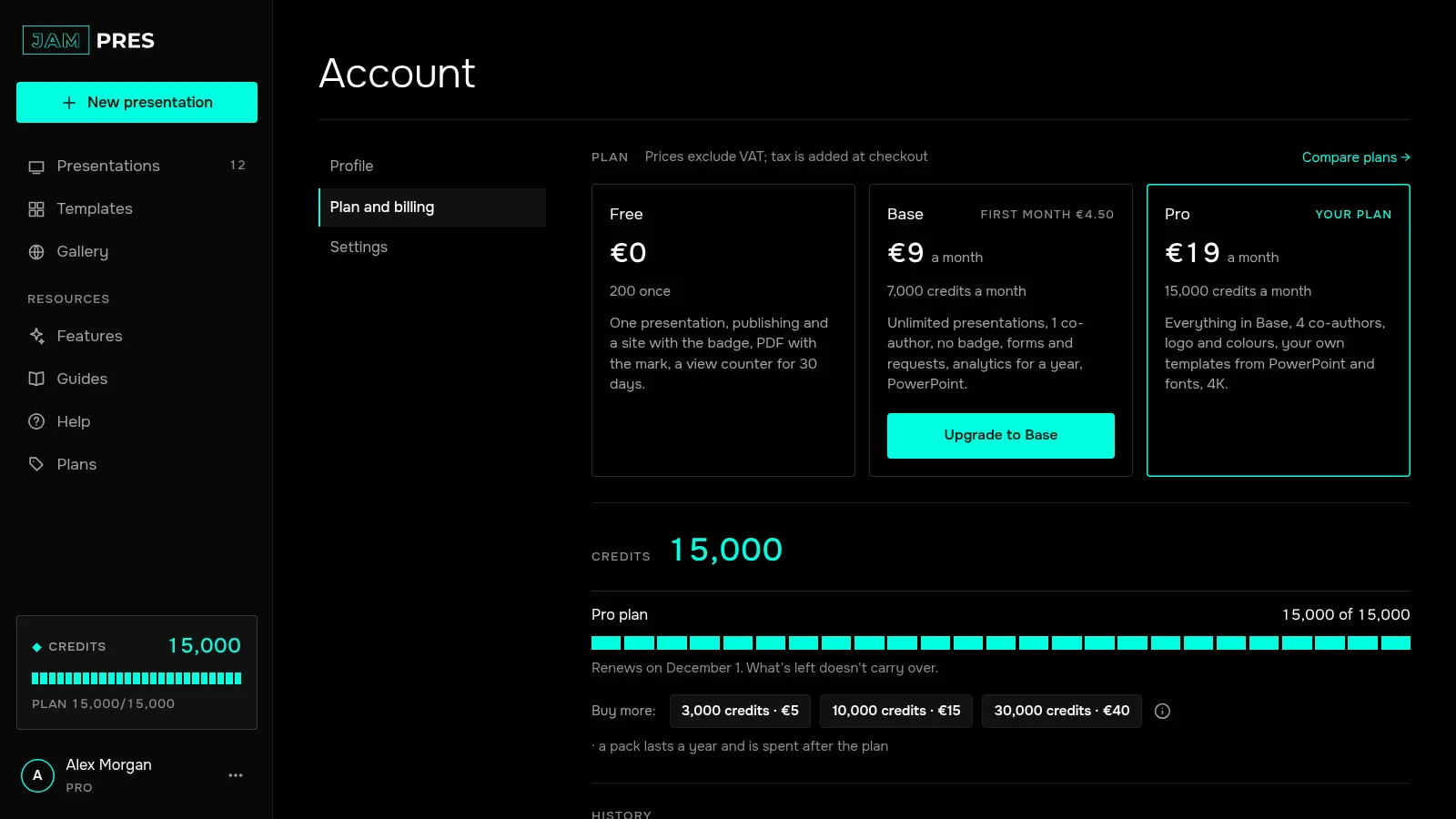
In the dashboard, click your name in the left panel and go to “Plan and billing”. The subscription panel shows your plan, the billing period and the date of the next payment.
Cancel the subscription
Click “Cancel subscription”. A note appears with what happens next: the plan stays until the end of the paid period, then Free. Click “Confirm”. No reason is needed. We confirm the cancellation by email, and the panel shows “Ends” with the date.
You can also cancel on link.com, where you can see purchases made through Link.
Changed your mind? Resume
Until the paid period ends, the panel has a “Resume” button. Click it and the subscription carries on; the next payment goes through as scheduled.
What changes on Free
- Your presentations stay published at the same addresses, and the JamPres badge comes back on them.
- Forms stop accepting new requests. The requests you've collected stay: you can view them, export them to CSV and delete them.
- Views are still counted; analytics history covers 30 days.
- You can edit your presentations as before, but you can't create a new one while you have one or more.
- Co-authors become commenters. On a higher plan they can edit again.
- PDF downloads carry the JamPres mark, and PowerPoint isn't available. You can still download all your account data as one JSON file.
- You won't get new free credits.
- Credit packs you bought last until they expire.
Cancelling doesn't refund the period you've paid for. If fewer than 14 days have passed since you bought the subscription, you can withdraw from the contract and get the unused days back.
Related
Was this article helpful?