Invoices and receipts
Payments go through Stripe: subscriptions and credit packs are sold to you by its Link service. Link charges the tax and issues receipts and invoices — a receipt arrives by email after every payment.
Subscription invoices and the card that pays for it are in “Account” → “Plan and billing”, behind the “Card and invoices” button in the subscription panel. It opens the Stripe portal, where you can also change the card. The button is there while you have an active subscription.
All purchases made through Link, credit packs included, are also listed on link.com. On your bank statement the payment shows as LINK.COM* followed by JamPres.
Credit history
“Plan and billing” has a “History” section with spending and top-ups, newest first. Columns: “When”, “Action”, “Presentation”, “Credits” and “From” — the plan, a pack, or both. The latest rows are shown first; “Full history →” shows up to 100. “Spending history →” in the “Credits” window in the left panel leads here too.
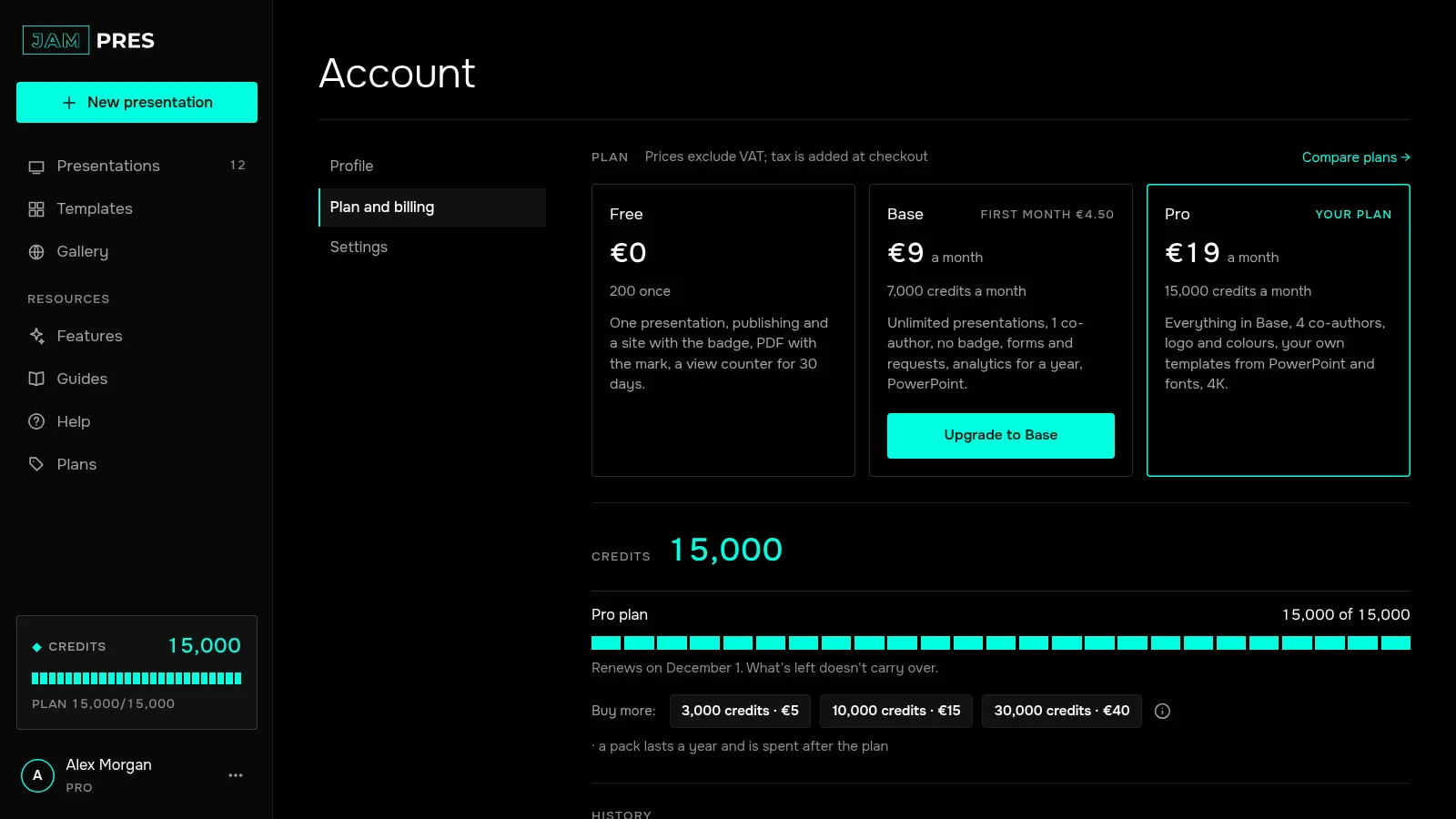
How to read the rows:
- “… — in progress” — the action is still running;
- “… — failed, refunded” — the action didn't work and the credits came back;
- “Purchase: pack …” — a pack you bought, with its price excluding VAT in the “From” column;
- “Payment refunded: pack …” — the pack's money was refunded and what was left in it was removed.
The complete history — subscriptions, packs and every charge — is also in the file with all your account data: see how to download all your data.