Save what you need
Deletion can't be undone. First download all your data with “Download my data” on the “Profile” page — see how to download all your data.
If you have a subscription and fewer than 14 days have passed since you bought it, withdraw from the contract first: deleting the account ends the subscription at once, without a refund.
Open the deletion window
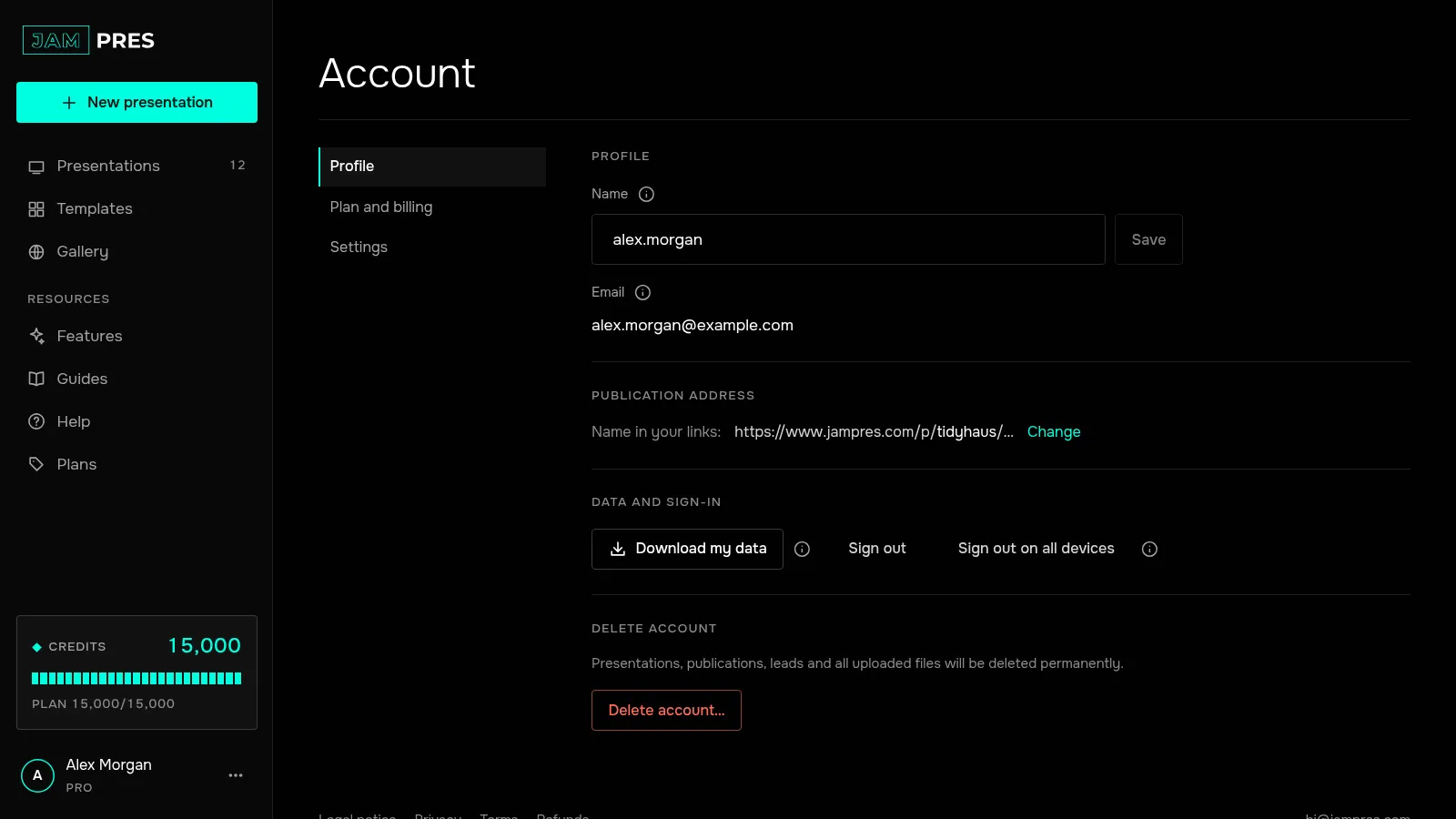
Click your name in the left panel. On the “Profile” page, in the “Delete account” section, click “Delete account…”.
The “Delete your account permanently?” window lists what will go: your presentations, templates, fonts and uploaded images; your publications — their links will stop working; leads from forms and analytics; access to presentations you were invited to.
Confirm with your email
Type your account's address in the “To confirm, type your email” field. The “Delete permanently” button works only when the address matches. Click it — the account is deleted and you land on the sign-in page.
What remains
Your comments on other people's presentations stay, but without your address. Presentations you were invited to stay with their owners. Copies in our backups disappear within 30 days; only what the law requires us to keep, such as payment records, is kept longer.
The account can't be restored. You can sign in with the same email again, but that creates a new, empty account.
How to delete your JamPres account
“Account” → “Profile” → “Delete account…”, then confirm with your email. Deletion is immediate and permanent: presentations, publications and leads are gone.
Was this article helpful?
Didn't find the answer?
Ask the JamAI assistant in the chat on this site or email us — we reply within one business day.