The outline appears after “Build outline”. The model writes the slide text from it, so fixing the outline is cheaper and faster than rebuilding finished slides.
Fix titles and gists
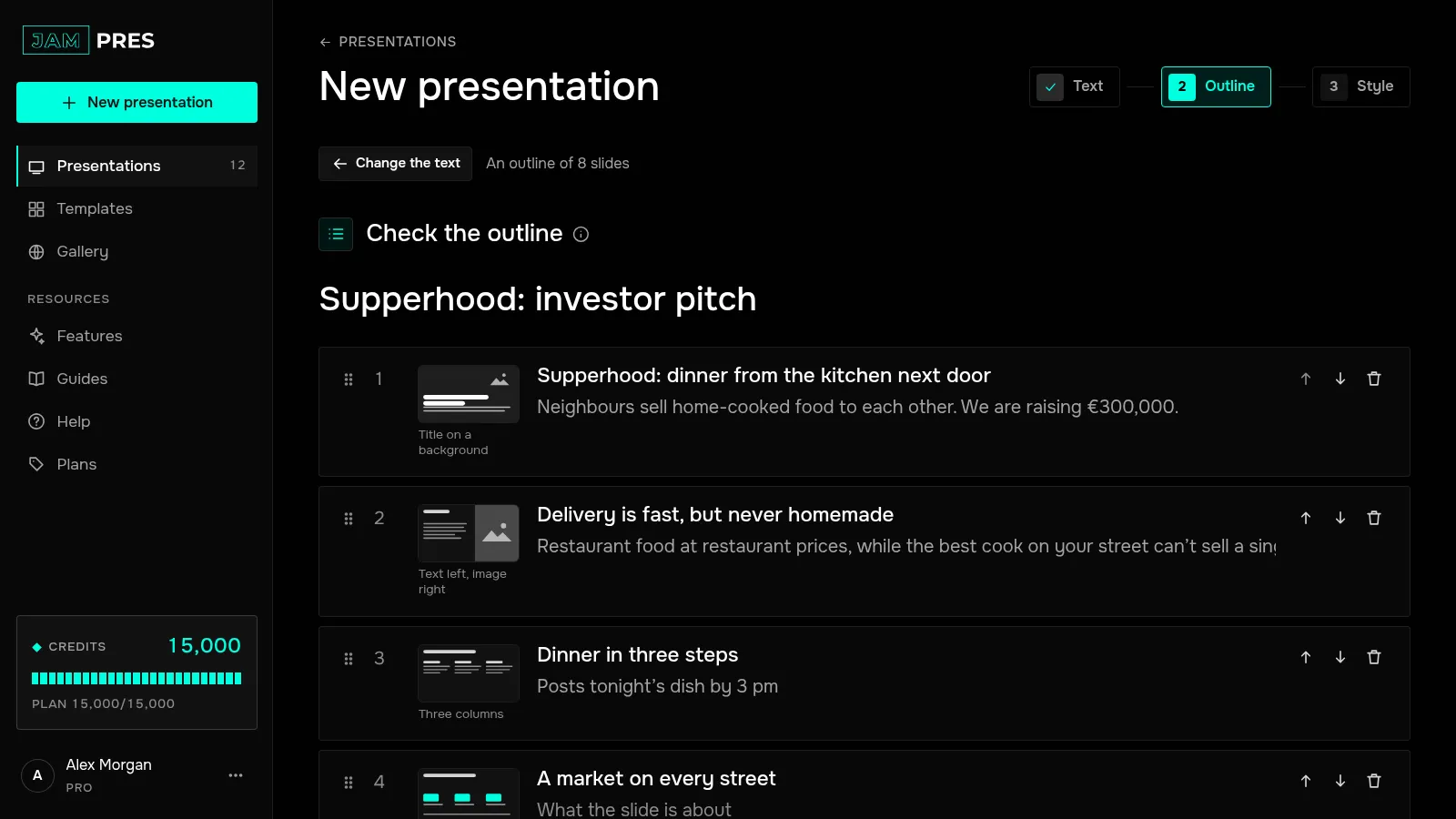
The presentation title is at the top, and you can change it. Each slide has two fields: the title and “What the slide is about”. The gist tells the model what this slide should say.
If your text had a list, that slide in the outline gets a line “List from your text: … items, each one stays on the slide”.
Pick a layout
The sketch next to the title shows where the photo, the title and the text go on the slide. Click it to choose a layout: “Two columns”, “Row of metrics”, “Big quote”, “Table” and more.
Change the order and the set of slides
Drag a slide by its handle on the left, or use the “Up” and “Down” arrows. “Delete slide” removes an item, and “Add slide” adds a new one at the end. An outline can have from 3 to 30 slides.
Add a request form
The “Add a request form” switch puts a form on the last slide: name, email, a button and consent to data processing. You can change the fields later in the editor. Forms accept requests from the Base plan up.
Move on to the style
Press “Next: style”. The button works once the presentation and every slide have a title. To change the source text, press “Change the text” and build the outline again — that's free too.
You may get more slides than the outline shows: a long list from your text gets spread over several slides by the template so that every item fits.