Access is set on a published presentation by its owner or a collaborator with the “Can edit” role. It changes right away — you don't need to update the publication.
Open the presentation page
In the “Publication” panel, find “Who can open it”. There are three options: “By link”, “Password” and “Email”.
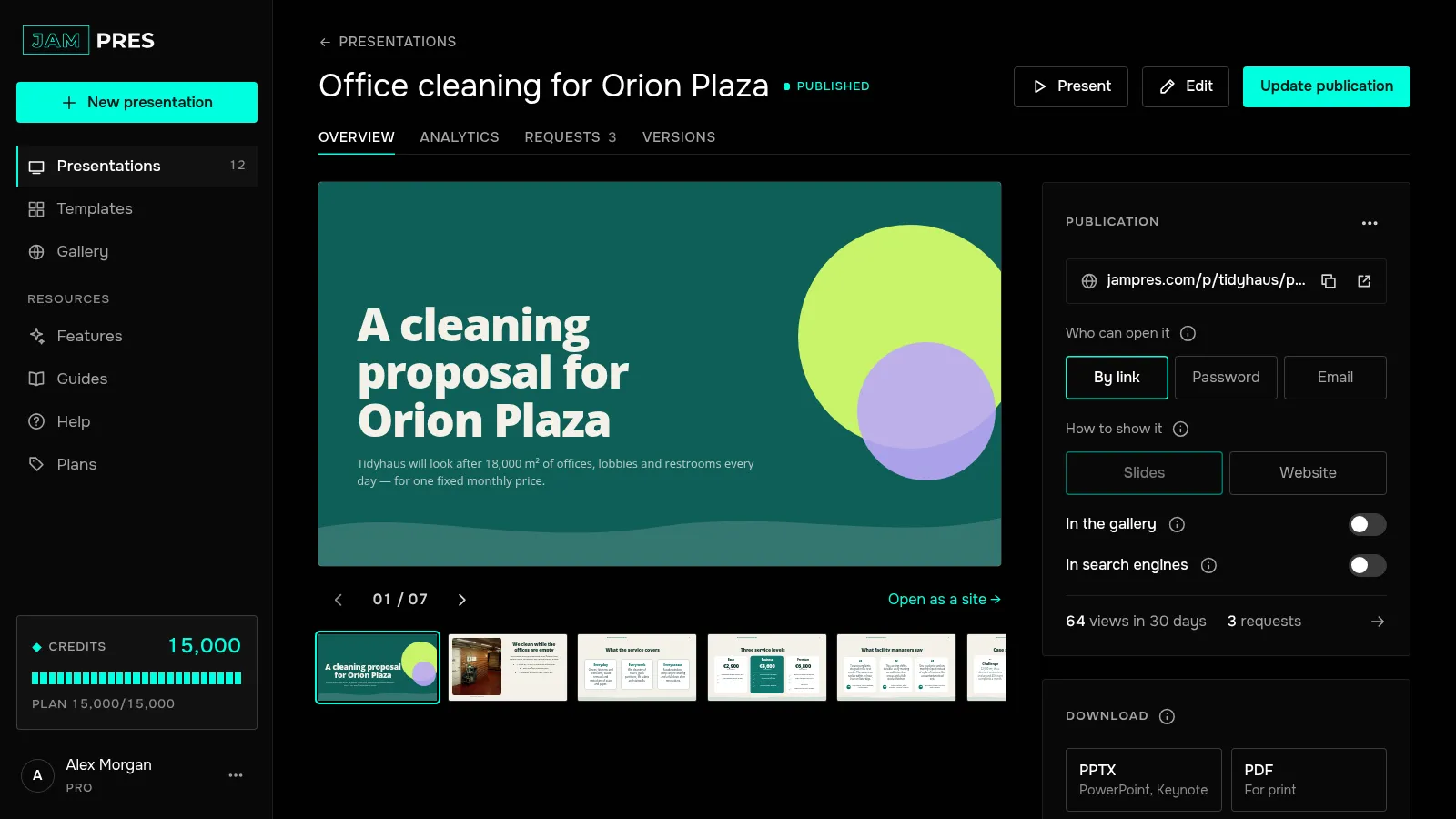
Set a password
Choose “Password”, type a password of at least 8 characters and click “Protect with password”. Viewers see the screen “This presentation is password-protected” and enter the password every time they open the page: we don't set cookies or remember the password in the browser. After too many wrong attempts from one address, entry is paused for a while and the viewer sees “Too many attempts. Try again in 15 minutes.”
We store a fingerprint of the password, not the password itself, so it can't be shown. If you forget it, set a new one with “Change password”.
Or ask viewers to introduce themselves
“Email” starts with the Base plan. Before viewing, people enter their email and, if they like, a name. The screen tells them that the author will see their address and that they viewed the presentation. We don't verify the address: it's an introduction, not a sign-in.
You'll find them under the “Analytics” tab, in “Who viewed”: the address, the name, how many times they opened the page and how long they watched.
Check what changed
A locked page doesn't appear in the gallery or in search, and the link preview shows a neutral card with a lock instead of a slide. Forms, polls and the view counter work as usual.
To open the page to everyone again, choose “By link” — the password is forgotten.